
Table of Contents
- What Is GrapheneOS Two Factor Unlock?
- How GrapheneOS Two Factor Unlock Works
- Why GrapheneOS Two Factor Unlock Is More Secure
- Duress Mode Compatibility
- How to Set Up Two Factor Unlock
- 7 Tips for Daily Use
- A History of Security Innovation
- Experience GrapheneOS Two-Factor Unlock Today
What Is GrapheneOS Two Factor Unlock?
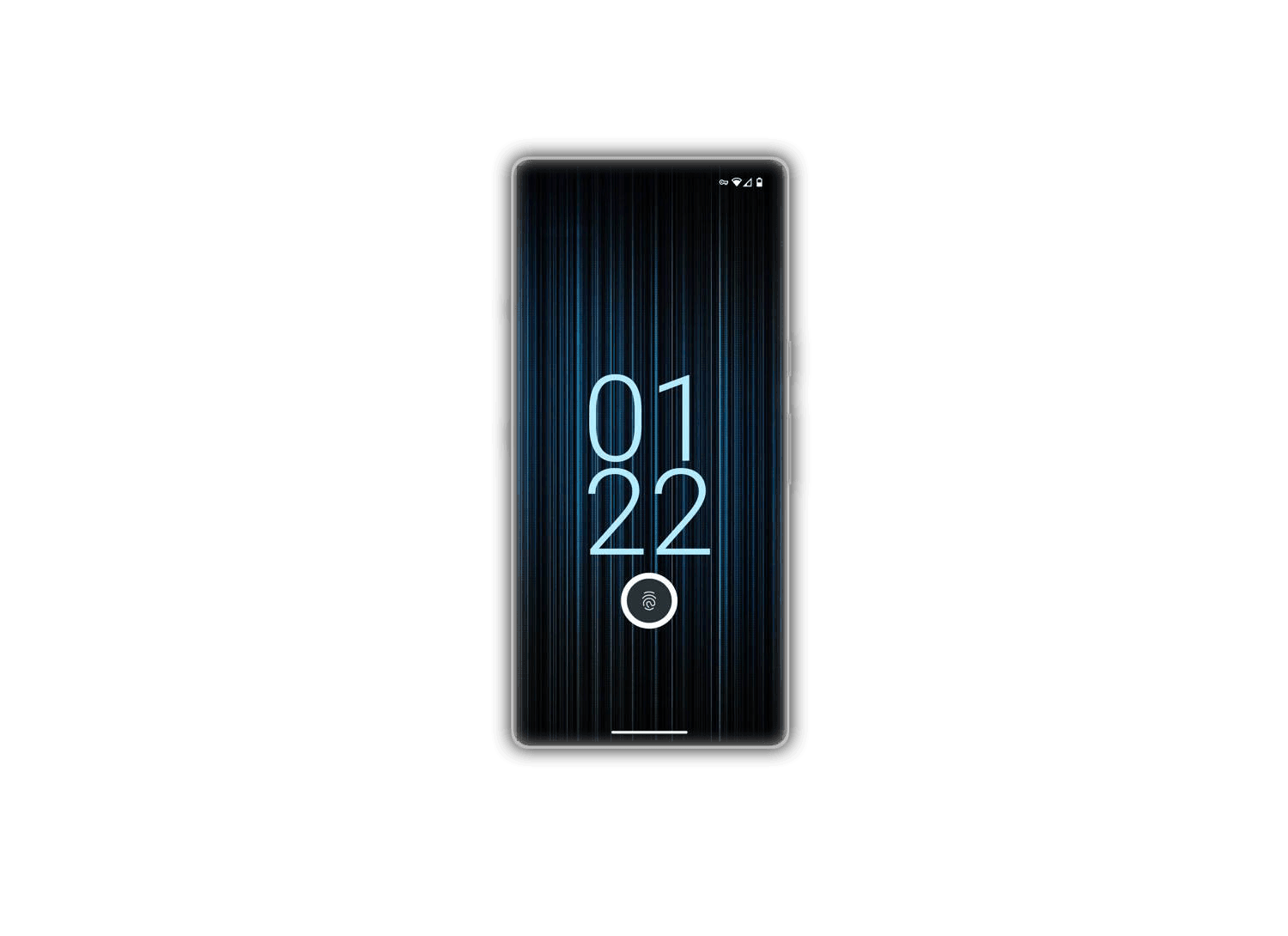
GrapheneOS introduces a groundbreaking security feature: grapheneos two factor unlock. Instead of relying on fingerprint alone, this feature requires both your fingerprint and a PIN to unlock your phone. You can use a strong passphrase as your primary unlock method, with fingerprint + PIN as a faster secondary option.
This is one of the flagship features of GrapheneOS, sitting alongside hardened memory allocation, hardware memory tagging, USB-C port hardware-level disabling, storage scopes, and the sandboxed Google Play compatibility layer. No other mobile operating system offers this level of biometric security.
How GrapheneOS Two Factor Unlock Works
- Primary unlock: Your strong passphrase (used when fingerprint unlock expires)
- Secondary unlock: Fingerprint scan + PIN entry (fast, convenient)
- 48-hour window: Fingerprint unlock remains active for 48 hours after your last primary unlock, matching standard GrapheneOS behavior
- 5-attempt limit: GrapheneOS limits failed fingerprint attempts to 5 (compared to stock Android’s 20 attempts across 4 batches)
- PIN scrambling: The numpad is randomly rearranged each time, preventing shoulder-surfing attacks
- Hardware-backed: All biometric data stays in the Pixel’s Titan M2 security chip — never leaves the device
Why GrapheneOS Two Factor Unlock Is More Secure
On most Android devices, fingerprint unlock alone is the only secondary method. If someone gains access to your fingerprint (which is easier than you might think), they can unlock your phone.
GrapheneOS two-factor unlock means an attacker would need both your fingerprint and your PIN — making it exponentially harder to compromise your device. The Pixel’s high-quality secure element heavily throttles unlock attempts, ensuring that even a 6-digit PIN provides robust encryption protection.
GrapheneOS vs Stock Android Unlock Security
| Security Feature | GrapheneOS | Stock Android |
|---|---|---|
| Secondary unlock factors | 2 (fingerprint + PIN) | 1 (fingerprint only) |
| Failed attempt limit | 5 attempts | 20 attempts |
| PIN keypad scrambling | Yes | No |
| Hardware security chip | Titan M2 | Standard |
| Biometric data storage | On-device only | May sync to cloud |
Duress Mode Compatibility
GrapheneOS’s duress PIN/password feature is fully compatible with grapheneos two factor unlock. If you enter your duress PIN instead of the correct second-factor PIN, the device will near-instantly wipe itself — providing a last-resort protection mechanism in threatening situations.
This means even under duress, you have complete control. Enter your real PIN to unlock normally, or enter your duress PIN to trigger a complete data wipe that renders the device useless to an attacker.
How to Set Up Two-Factor Unlock
- Open Settings → Security & Privacy → Screen Lock
- Set a strong passphrase as your primary unlock method
- Enable Fingerprint + PIN as secondary unlock
- Register your fingerprint
- Choose a memorable but secure 6-digit PIN
- Test the unlock process a few times to ensure smooth operation
7 Tips for Daily Use
- To avoid entering your passphrase in public, use fingerprint + PIN regularly to keep the 48-hour timer refreshed
- Choose a PIN that’s easy for you to remember but hard for others to guess — avoid birthdays and simple sequences
- Practice the PIN entry with scrambled keys until it feels natural
- Set up a duress PIN immediately — it’s better to have it and not need it
- Don’t share your PIN with anyone, even family members
- If you notice unusual fingerprint unlock behavior, switch to passphrase-only temporarily
- GrapheneOS plans to add configurable limits on failed fingerprint attempts for additional customization
A History of Security Innovation
The concept for grapheneos two factor unlock was conceived by the GrapheneOS team in 2015 and publicly documented in 2016. Implementing it correctly required fixing multiple upstream Android bugs, making the lock screen more robust for all users — even those who don’t use this specific feature.
This commitment to upstream improvement is a hallmark of GrapheneOS development. Every security enhancement benefits the broader Android ecosystem, not just GrapheneOS users.
Experience GrapheneOS Two Factor Unlock Today
Every LATENIS phone comes with GrapheneOS pre-installed, including grapheneos two factor unlock. Browse our selection of Pixel phones to experience extreme security out of the box. For questions about setup or configuration, contact our support team.
For the latest updates on GrapheneOS security features, visit the official GrapheneOS Features page.
GrapheneOS two-factor unlock combines fingerprint scanning with a PIN for enhanced security. Learn 6 features and why it surpasses standard biometric unlock.