
Table of Contents
- App Not Working on GrapheneOS: What’s Going On?
- Why Apps Fail on GrapheneOS
- 5 Settings to Fix App Not Working on GrapheneOS
- Important Security Notes
- Which Apps Are Most Affected?
- Privacy-Friendly Alternatives
- Frequently Asked Questions
- Still Having App Not Working on GrapheneOS Issues?
App Not Working on GrapheneOS: What’s Going On?
App not working on grapheneos is one of the most common questions from new LATENIS phone owners. When banking apps or other security-sensitive applications refuse to open, it’s usually because of GrapheneOS’s strict security hardening — not a defect. Here’s what typically happens:
- The app opens and immediately closes
- You see a security warning, then the app exits
- Banking apps display an “unsupported device” error
- The app crashes on launch without any error message
The good news: you can fix most app not working on grapheneos issues by adjusting per-app security settings — without lowering your overall device protection.
Why Apps Fail on GrapheneOS
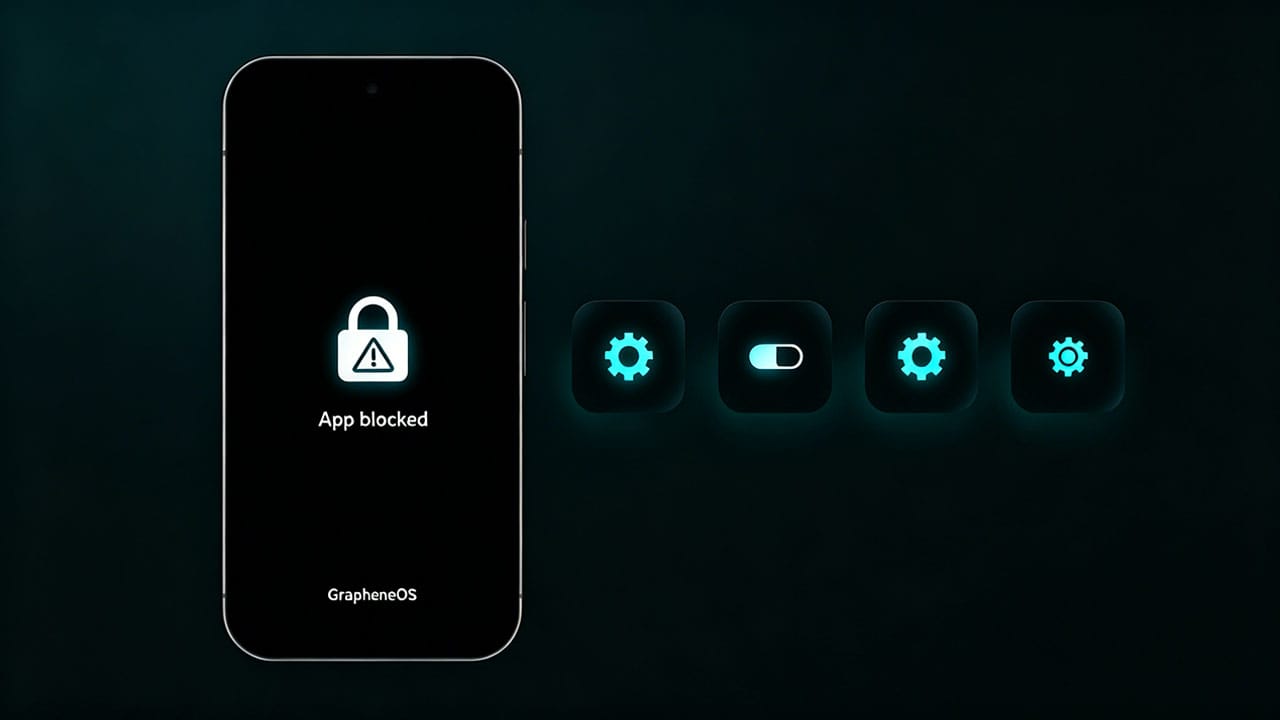
GrapheneOS is configured with extreme security hardening — stricter than any stock Android device. While this protects you from malware and exploits, it can occasionally cause compatibility issues with banking apps and other security-sensitive applications.
If an app opens and immediately closes, or displays a security notice and then closes, it’s likely failing GrapheneOS’s strict security checks. This app not working on grapheneos issue is common with apps that perform aggressive anti-tamper or root detection. Fortunately, you can adjust compatibility settings without compromising your overall device security.
For a detailed explanation of GrapheneOS’s security model, see the official GrapheneOS features page.
5 Settings to Fix App Not Working on GrapheneOS
Step 1: Open App Info
- Unlock your phone to the home screen
- Tap and hold the app icon of the problematic app
- Select App Info from the pop-up menu
Step 2: Adjust Security Settings (Try Each One in Order)
Try enabling each setting below one at a time, testing the app after each change. Only enable what’s needed — don’t enable all settings at once.
Adjustment 1: Dynamic Code Loading via Memory
- Scroll down to Dynamic Code Loading via Memory and tap it
- Select Allowed
- Tap Proceed to confirm the warning
- Tap the back arrow to exit
- Test the app
If the app now works, you’re done. If not, continue.
Adjustment 2: Dynamic Code Loading via Storage
- Scroll down to Dynamic Code Loading via Storage and tap it
- Select Allowed
- Tap Proceed to confirm
- Test the app
Adjustment 3: Native Code Debugging
- Scroll down to Native Code Debugging and tap it
- Select Allowed
- Tap Proceed to confirm
- Test the app
Adjustment 4: WebView JIT
- Scroll down to WebView JIT and tap it
- Select Enabled
- Tap Proceed to confirm
- Test the app
Adjustment 5: Memory Tagging
- Scroll down to Memory Tagging and tap it
- Select Disabled
- Tap Proceed to confirm
- Test the app
What Each Setting Does
| Setting | Purpose | Security Impact |
|---|---|---|
| Dynamic Code Loading (Memory) | Allows apps to load code into memory at runtime | Low — per-app only |
| Dynamic Code Loading (Storage) | Allows apps to load code from storage | Low — per-app only |
| Native Code Debugging | Enables debugging hooks for native libraries | Low — per-app only |
| WebView JIT | Enables JavaScript JIT compilation in WebView | Low — per-app only |
| Memory Tagging | Hardware memory tagging (MTE) for exploit prevention | Medium — disable last resort |
Important Security Notes
- Only adjust settings for specific apps that need it — don’t globally lower security
- After the app works, stop — don’t enable additional settings unnecessarily
- These settings apply per app — the rest of your system remains hardened
- Consider alternatives — if an app consistently fails, look for a privacy-friendly alternative in the Play Store or F-Droid
- Re-enable when done — if you stop using an app, revert its settings to defaults
Which Apps Are Most Affected?
- Banking apps (often refuse to run on custom ROMs)
- Enterprise/MDM managed apps
- Apps with aggressive anti-tamper protections
- Some DRM-protected media apps
- Certain government or healthcare apps
Privacy-Friendly Alternatives
If an app consistently fails even after all adjustments, consider these alternatives:
- Banking: Use your bank’s mobile website instead of the app (equally functional in most cases)
- Authentication: Hardware security keys (YubiKey) instead of app-based 2FA
- Messaging: Signal or Session instead of apps with aggressive anti-tamper
- Payments: Privacy.com virtual cards instead of banking apps for online purchases
Frequently Asked Questions
Will adjusting these settings make my phone less secure?
No. These changes apply only to the specific app you adjust. The rest of your system remains fully hardened. Think of it as granting one app a slight exception, not lowering your entire security posture.
Do I need to enable all five settings?
No. Start with the first adjustment and test the app. If it works, stop. Only proceed to the next adjustment if the app still doesn’t work. Most app not working on grapheneos issues are resolved with the first or second adjustment.
Can I revert these changes later?
Yes. Simply go back to the app’s settings and change each toggle back to its default value. This is recommended if you stop using the app.
Why do banking apps fail on GrapheneOS?
Banking apps perform aggressive integrity checks to detect rooted or modified devices. GrapheneOS’s security hardening triggers these checks, even though the OS is actually more secure than stock Android. Adjusting per-app settings resolves this without genuine security trade-offs.
Still Having App Not Working on GrapheneOS Issues?
Contact LATENIS Support for personalized assistance with app not working on grapheneos issues. We can help diagnose specific app compatibility problems and recommend the best settings for your needs. Browse our GrapheneOS Pixel phones for a device designed with both security and usability in mind.
For community support and app-specific discussions, visit the GrapheneOS Forum.
App not working on grapheneos due to hardened security? Learn 5 proven safe settings to fix banking app crashes and compatibility issues without reducing device security.