
Finding the best vpn for grapheneos is critical if you want real privacy at the device level.
Switching to GrapheneOS gets you real privacy at the device level. No Google services, no mandatory Play framework, no carrier bloatware silently calling home. But the moment traffic leaves the phone, it hits the ISP or local network operator completely exposed—every server you touch, readable.
Most people grab a VPN at this point. The market is a disaster. Half the apps demand email signup, quietly log everything you do, and pack their Android clients with third-party trackers. Put one of those on a hardened OS and you’ve reinstalled the exact telemetry you were trying to escape, just with extra steps. That is why choosing the best vpn for grapheneos requires looking past mainstream marketing.
For a tool to be considered the best vpn for grapheneos inside this strict sandbox, a few things matter. Anonymous setup with no personal identifiers. An open-source app that doesn’t depend on Google Play Services. And native WireGuard support—because WireGuard is what you actually want running in a locked-down environment.
Mullvad VPN: The Anonymous Benchmark
Mullvad is the obvious first pick. Their signup asks for nothing. No email, no phone. You get a randomly generated account number and that’s it. Pay with cash mailed in an envelope or Monero if you want your financial identity completely disconnected from your network identity. For many hardcore privacy advocates, these features make it the best vpn for grapheneos deployments.
Their Android app is fully open source and runs cleanly in the GrapheneOS sandbox. No proprietary push notification frameworks keeping a background connection alive. Or skip their app entirely—download raw WireGuard configuration files and import them into Android’s native VPN settings as detailed in the official GrapheneOS network documentation.
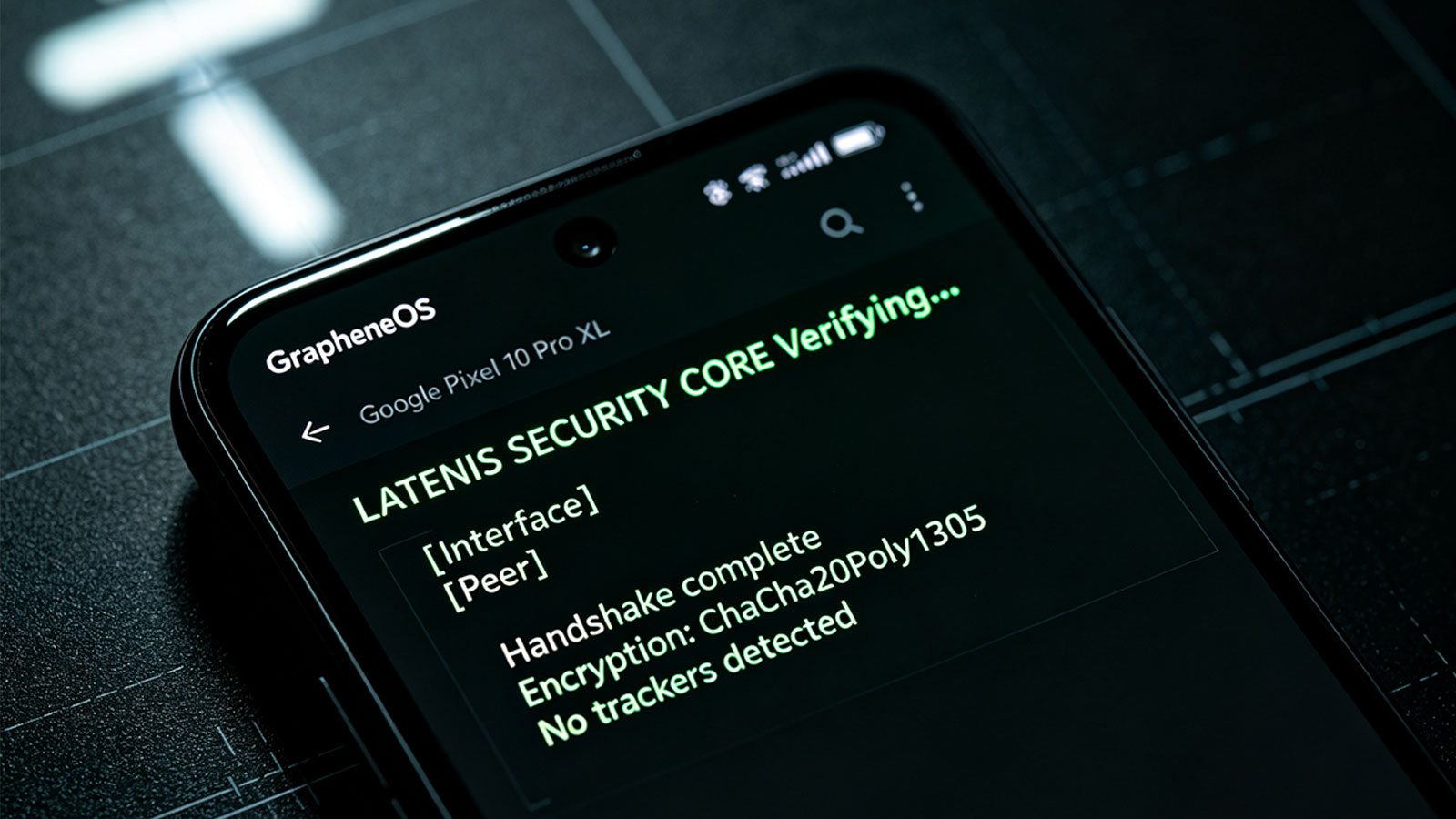
On newer hardware like the Pixel 10 Pro XL, Mullvad benefits from GrapheneOS’s hardened memory allocator. A vulnerability in the local routing daemon becomes significantly harder to exploit when memory protections are enforced at this level—the process stays boxed in.
ProtonVPN: Audited Multi-Hop Infrastructure
ProtonVPN is the other serious option. Based in Switzerland, operating under privacy laws that are actually enforced. Proton does require account creation, which is a minor friction compared to Mullvad, but their infrastructure gets audited regularly and their apps are open source. If you need robust multi-hop architecture, it easily qualifies as the best vpn for grapheneos users who still require reliable everyday accounts.
Their Secure Core feature routes traffic through hardened servers in Switzerland, Iceland, or Sweden before it reaches its final destination. Even if your exit node is compromised or monitored, an adversary can only trace things back to the secure entry barrier—not to you or where you’re actually located.
The GrapheneOS-specific case for Proton is NetShield, their DNS-level ad and tracker blocking. GrapheneOS gives you fine-grained control over per-app network permissions, so DNS filtering can stop sandboxed apps from leaking telemetry before any packet leaves the device.
IVPN: Anti-DPI Engineering
IVPN is the more engineering-focused choice. Like Mullvad, they generate accounts without any personal data or email logs. Their system is built around resisting deep packet inspection—critical if you’re on restrictive public Wi-Fi or in regions that actively block VPN protocols. Their Obfsproxy and V2Ray bridges disguise VPN traffic as ordinary HTTPS browsing, which gets past most network-level restrictions and positions IVPN as the best vpn for grapheneos under heavy censorship.
Their client plays nicely with GrapheneOS battery management. Commercial VPN apps constantly wake the CPU to report telemetry. IVPN polls efficiently in the background instead, which means the system won’t kill the connection as aggressively during deep sleep—you actually keep your screen-on time.
Configuring the Best VPN for GrapheneOS Setup
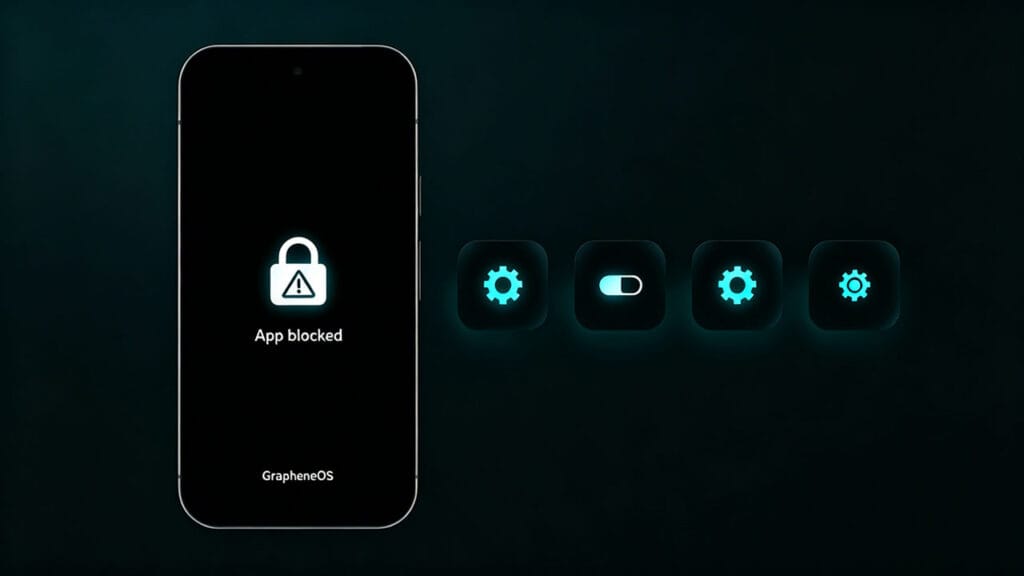
Once you’ve picked a provider, locking it down is straightforward. In Settings go to Network & Internet, then VPN, tap the gear icon next to your provider, and turn on both “Always-on VPN” and “Block connections without VPN.” This creates a system-level kill switch—if the VPN drops, nothing unencrypted leaves the phone.
The tradeoff is that strict lockdown can interfere with captive portal logins on public Wi-Fi, and it breaks local casting. If you need access to a local subnet—a NAS at home, a printer—you have to enable “Allow local network access” in the VPN app settings. GrapheneOS enforces a hard boundary between your local network and the encrypted tunnel by default, so you have to explicitly punch through it.
If you’re already set up but getting unexplained drops or routing issues, it might be an OS-level conflict. See our guide on why VPNs stop working on GrapheneOS for specific troubleshooting steps.