
Table of Contents
- GrapheneOS eSIM Support: What You Need to Know
- What Is eSIM and Why GrapheneOS eSIM Support Matters
- 5 Steps to Activate eSIM on GrapheneOS
- Troubleshooting Common GrapheneOS eSIM Support Issues
- Privacy Benefits of GrapheneOS eSIM Support
- Frequently Asked Questions
- Need More Help with GrapheneOS eSIM Support?
GrapheneOS eSIM Support: What You Need to Know
GrapheneOS eSIM support is fully functional on all Pixel phones — no Google account, no Google Play dependency, no data sharing. If you’re setting up a LATENIS phone, here’s what you can do right away:
- Activate eSIM from any major EU carrier (Vodafone, Deutsche Telekom, Orange, KPN)
- Use dual SIM with both physical SIM and eSIM simultaneously
- Switch carriers remotely without handling a physical SIM card
- Keep your eSIM profile data entirely private from Google
What Is eSIM and Why GrapheneOS eSIM Support Matters
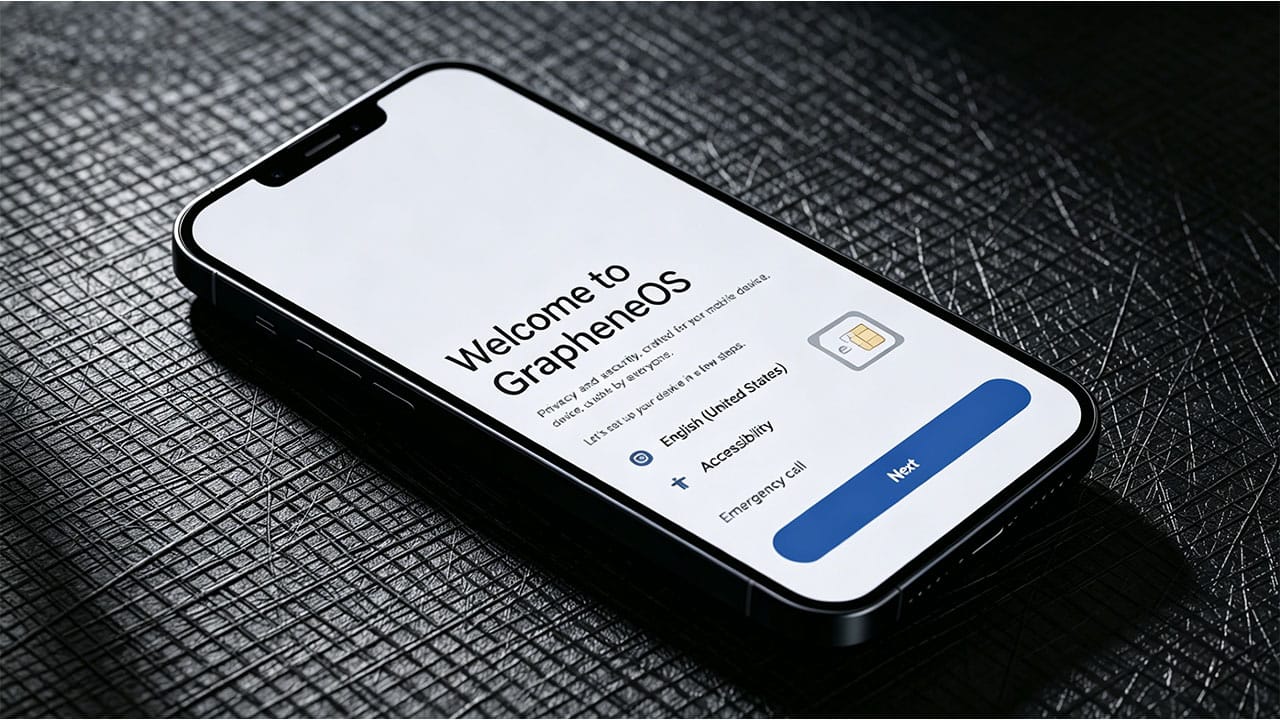
An eSIM (embedded SIM) is a digital SIM card built directly into your phone’s hardware. Unlike traditional physical SIM cards, eSIMs can be activated remotely by your carrier — no plastic card required. For privacy-conscious users, grapheneos esim support offers a significant advantage: you can manage your mobile connection without Google ever touching your SIM profile data.
Yes — GrapheneOS fully supports eSIM on Pixel phones. Unlike standard Android, eSIM on GrapheneOS operates without any dependency on Google Play and never shares data with Google services. Your eSIM connection is handled entirely through your carrier’s infrastructure, preserving your privacy at every step.
eSIM technology has become increasingly popular across the EU, with major carriers like Vodafone, Deutsche Telekom, Orange, and KPN all supporting eSIM activation. For LATENIS customers, this means you can activate a local EU carrier plan immediately upon receiving your phone — no waiting for a physical SIM to arrive.
5 Steps to Activate eSIM on GrapheneOS
To set up eSIM on your LATENIS GrapheneOS phone:
- Open Settings → Network & Internet → eSIM
- Follow your carrier’s eSIM activation process (QR code, app, or manual provisioning)
- Once activated, your eSIM profile will appear alongside any physical SIM cards
- Test your connection by making a call or browsing the internet
- If using dual SIM, configure which SIM handles calls vs data in Settings
Tip: Contact your mobile network provider directly for their specific eSIM setup guide. Most major EU carriers support eSIM activation.
What You Need Before Starting
- A Pixel phone with GrapheneOS installed (all LATENIS phones qualify)
- An active mobile plan from a carrier that supports eSIM
- A stable Wi-Fi connection for the initial activation
- Your carrier’s eSIM QR code or activation code
Troubleshooting Common GrapheneOS eSIM Support Issues
eSIM Stuck at “Checking Network Info…”
If the activation process stalls at the “Checking network info…” stage despite having a stable internet connection, try this:
- Open the phone dialer
- Enter the USSD code:
*#*#4636#*#* - In the menu that appears, enable DSDS (Dual SIM Dual Standby)
- Retry the eSIM activation
eSIM Locked with PIN
If your eSIM is protected by a PIN, we recommend keeping the eSIM toggle enabled even after activation. This allows you to disable the eSIM from the lock screen if you forget the PIN.
Important: If the eSIM toggle is disabled and the PIN is forgotten, you will need the PUK code to regain access. Without the PUK, the device may become inaccessible.
Carrier Not Supporting eSIM
Not all carriers support eSIM equally. If your carrier doesn’t offer eSIM:
- Consider switching to a carrier with full eSIM support
- Use a physical SIM as a fallback option
- Check with your carrier — many are rolling out eSIM support in 2025–2026
Privacy Benefits of GrapheneOS eSIM Support
- No Google dependency — eSIM provisioning works independently of Google Play
- No data sharing — your eSIM profile data stays between you and your carrier
- Dual SIM support — use both a physical SIM and eSIM simultaneously with DSDS
- Secure element protection — eSIM credentials are stored in the Pixel’s hardware security module
- Remote management — switch carriers without physically handling a SIM card
GrapheneOS vs Stock Android: eSIM Privacy Comparison
| Feature | GrapheneOS | Stock Android |
|---|---|---|
| Google Play required for eSIM | No | Yes |
| eSIM data shared with Google | No | Yes |
| Sandboxed provisioning | Yes | No |
| Carrier profile encryption | Hardware-backed | Standard |
Frequently Asked Questions
Can I use eSIM and physical SIM at the same time?
Yes. With DSDS (Dual SIM Dual Standby) enabled, you can use both simultaneously — perfect for having a local EU eSIM and a home country physical SIM.
Does eSIM work with all Pixel models?
eSIM is supported on Pixel 4 and newer. All LATENIS phones (Pixel 6 through 10 series) fully support eSIM activation.
Will eSIM drain my battery faster?
No. eSIM uses the same radio hardware as a physical SIM and does not consume additional battery.
Can I transfer my eSIM to another phone?
It depends on your carrier. Some allow eSIM transfer through their app; others require you to deactivate and reactivate. Contact your carrier for specifics.
Need More Help with GrapheneOS eSIM Support?
For additional support, visit the official GrapheneOS Forum or contact LATENIS Support. You can also browse our Pixel phones with GrapheneOS to experience grapheneos esim support out of the box.
GrapheneOS eSIM support lets you activate eSIM on Pixel phones without Google. Learn 5 proven easy steps for full privacy eSIM activation on your device.